
Survey Creation Tools
“Create your own survey” sounds simple until you hit the real questions: Do you need anonymity? Do you want a clean, modern experience? Do you need logic and scoring? Will you share results with a team? And are you collecting 20 responses-or 20,000?
This comparison is a practical, real-world look at three popular options you can use to build and launch a survey quickly:
- SurveyNinja – a no-code builder with a straightforward workflow
- Google Forms – the default choice when speed and familiarity matter most
- Typeform – known for a polished, conversational survey experience
None of these tools is “the winner” for everyone. The best choice depends on what you’re trying to learn, how you’ll share the survey, and what you’ll do with the results afterward.
What “DIY survey” usually means in 2026
Most people who say “I need to create my own survey” actually mean one of these situations:
- Quick feedback (event, class, community, friends)
- Customer input (NPS/CSAT, feature request, cancellation reasons)
- Lead capture (a form that feels like a mini-conversation)
- Internal pulse check (team sentiment, anonymous Q&A)
- Market validation (pricing and offer testing)
So instead of reviewing “features in general,” we’ll compare the tools on the decisions that change outcomes: ease of building, question logic, presentation, response limits and costs, and what happens after responses arrive.
Quick comparison table
Criteria | SurveyNinja | Google Forms | Typeform |
Setup speed | Fast | Fastest | Medium |
Survey UX | Clean and simple | Familiar, basic | Very polished, “conversational” |
Logic / branching | Good for common flows | Basic to moderate | Strong |
Branding control | Solid (depends on plan) | Limited | Strong |
Collaboration | Practical | Strong in Google ecosystem | Good (plan dependent) |
Reporting | Practical, readable | Simple, export-friendly | Strong presentation, exports |
Best for | Straightforward surveys without complexity | Internal + quick public forms | High-conversion flows, lead gen |
How to choose in 60 seconds
If you want a quick decision, use these rules of thumb:
- Choose Google Forms if you need the fastest possible launch, you already live in Google Workspace, and you can accept a basic look and simpler logic.
- Choose Typeform if completion rate matters and you’re building a survey that must feel smooth, premium, and “guided.”
- Choose SurveyNinja if you want a clear no-code builder that covers the essentials well, stays simple, and works for everyday DIY surveys without feeling heavy.
Now let’s look at each platform as a “tool you’ll actually use,” not a feature checklist.
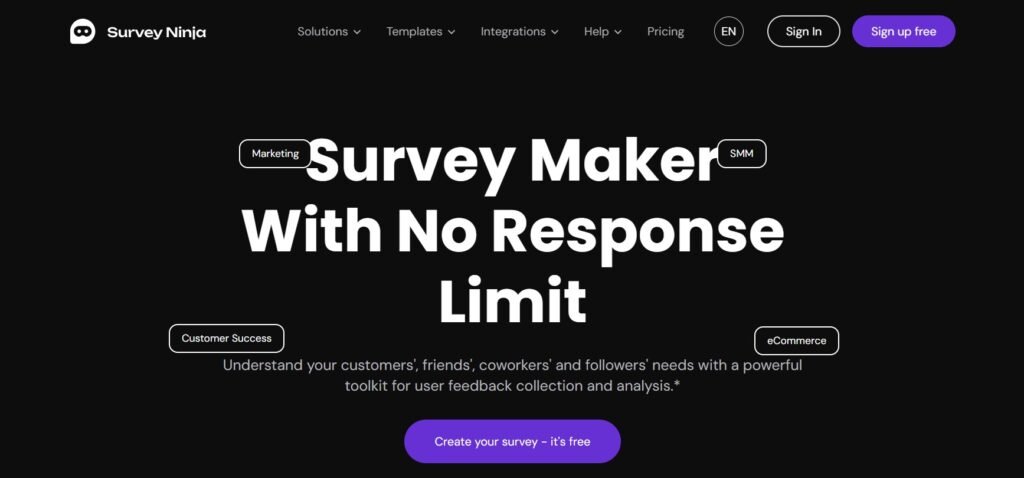
SurveyNinja – No-Code Survey Maker
SurveyNinja is best described as a practical, no-code survey builder for people who want to move from idea → live link with minimal friction. The product strength is the “middle path”: it’s more purpose-built than a generic form tool, but it doesn’t force you into a complex enterprise workflow.
What it’s great for
- Simple customer feedback surveys (product, service, onboarding)
- Community polls where you want clean design without overthinking it
- Internal pulse checks where clarity matters more than fancy presentation
- Projects where you want to iterate: publish, collect data, adjust questions, repeat
Building experience
Survey creation feels straightforward: add questions, arrange order, set required fields, and publish. For many DIY use cases, that’s exactly what you want-no design rabbit holes, no advanced setup just to ask basic questions.
Logic and structure
For DIY surveys, the most common logic pattern is “if someone answers X, show Y.” SurveyNinja fits that style well: enough structure to avoid irrelevant questions, without turning your survey into a full product flowchart.
Results and analysis
You typically want two things after launch:
- a quick read of what’s happening (trend, common answers, sentiment), and
- a path to share or export results for deeper analysis.
SurveyNinja tends to focus on “readable reporting” rather than overwhelming dashboards-useful if your goal is decisions, not endless slicing.
Where it may not be ideal
If your survey is basically a conversion funnel where design polish and micro-interactions are the core value, Typeform can feel more “premium.” And if you need heavy collaboration across departments inside Google Workspace, Google Forms can be the most frictionless.
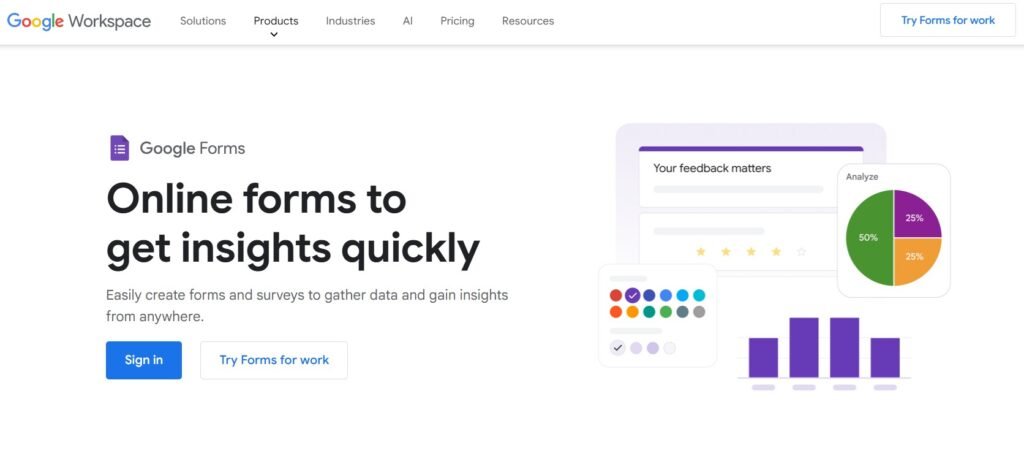
Google Forms – Free For Everyone
Google Forms is the “default” because it’s already there. For many teams, that’s the entire point: no procurement, no learning curve, no extra accounts.
What it’s great for
- Internal surveys (team polls, quick pulse checks)
- Classrooms, event sign-ups, basic feedback
- Situations where a spreadsheet export is the main deliverable
Building experience
It’s the fastest tool to launch a functioning survey. You can go from blank page to shareable link in minutes, especially if you’ve used it before.
Logic and structure
Google Forms can handle branching with sections, and that’s enough for a lot of DIY scenarios. But if your survey has many paths or needs a more nuanced experience, you may feel its limits sooner.
Results and analysis
The main advantage is “Google-native flow”: responses go into a Google Sheet, which is perfect if you’ll analyze in spreadsheets anyway. The built-in summaries are fine for quick checks.
Where it may not be ideal
If you care about brand feel, modern survey UX, or you’re collecting customer feedback where the experience affects completion rate, Google Forms can feel a bit utilitarian.
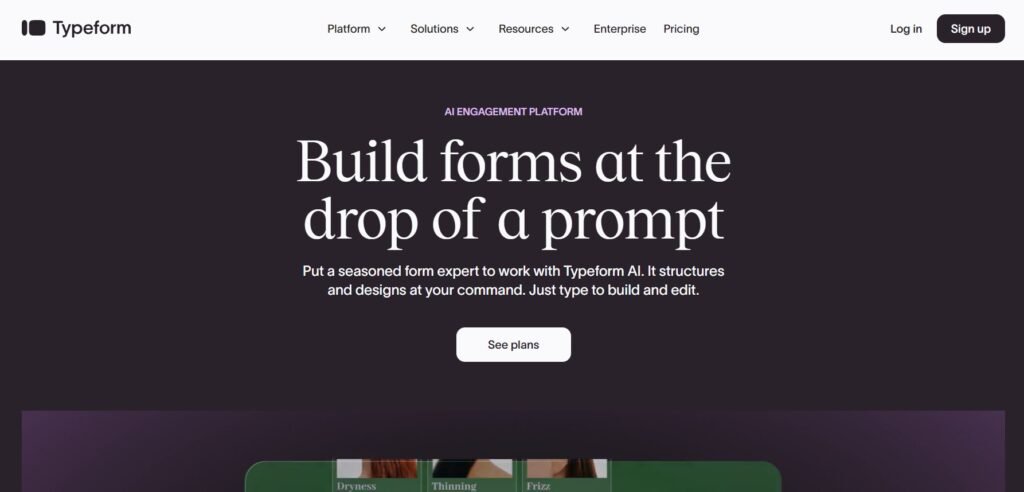
Typeform – Great for Lead Capturing
Typeform is often chosen for one reason: it makes surveys feel like a guided conversation, which can help completion-especially on mobile.
What it’s great for
- Lead capture and marketing flows where drop-off is expensive
- Surveys that must feel premium and polished
- Scenarios where you want to control pacing (one question at a time)
Building experience
Typeform gives you a lot of presentation control, which is a benefit, but it can take longer to finalize because you’ll naturally tweak the experience.
Logic and structure
Logic is one of Typeform’s strengths. If your DIY survey has multiple branches, scoring, or conditional follow-ups, it’s often easier to build and maintain here.
Results and analysis
Typeform is good at presenting results and enabling workflows, especially when you treat the survey like a funnel (not just a questionnaire).
Where it may not be ideal
If you mainly need a straightforward survey with quick setup and don’t want to pay for “experience polish,” Typeform can be more than you need.
Rankings by best-fit use case
Instead of declaring one overall winner, here’s a ranking by scenario.
1) Fastest “I need a survey link today”
- Google Forms
- SurveyNinja
- Typeform
2) Best survey experience for external audiences
- Typeform
- SurveyNinja
- Google Forms
3) Best for practical feedback loops (build → collect → improve)
- SurveyNinja
- Google Forms
- Typeform
4) Best for “data ends in a spreadsheet”
- Google Forms
- SurveyNinja
- Typeform
The decision checklist most people skip (but shouldn’t)
Before you choose a platform, answer these five questions:
- Who is answering? Customers, friends, employees, leads-each group reacts differently to survey length and tone.
- How many responses do you expect? Small polls vs. ongoing collection changes what “good reporting” means.
- Do you need anonymity? Internal honesty often depends on it.
- Is survey completion rate critical? If yes, UX matters more than features.
- What happens after the survey? Will you export to Sheets, share a dashboard, or run it weekly?
Your answers will usually point clearly to one tool.
Conclusion: pick the tool that matches the job
If your goal is to create your own survey with minimal effort and a practical workflow, SurveyNinja is a strong fit. If you want maximum speed and Google-native collaboration, Google Forms is hard to beat. If your survey is really a conversion experience (and design polish directly affects outcomes), Typeform is often worth it.
The best survey platform isn’t the one with the most features-it’s the one you’ll confidently use again next week, with cleaner questions and better decisions.